

This page is also available in Arabic.
Everything in Desk reads from the general ledger, so the first week is about getting it in and trusting what comes out. Five steps, one a day if you like.
Steps
Create the workspace
Name, base currency, fiscal year, framework, country and time zone. Each can be changed later under Settings.
Bring the ledger
Connect QuickBooks Online, Xero, Zoho Books or Odoo under Connections, or export the general ledger in the template's columns and import it under Data.
Confirm the account roles
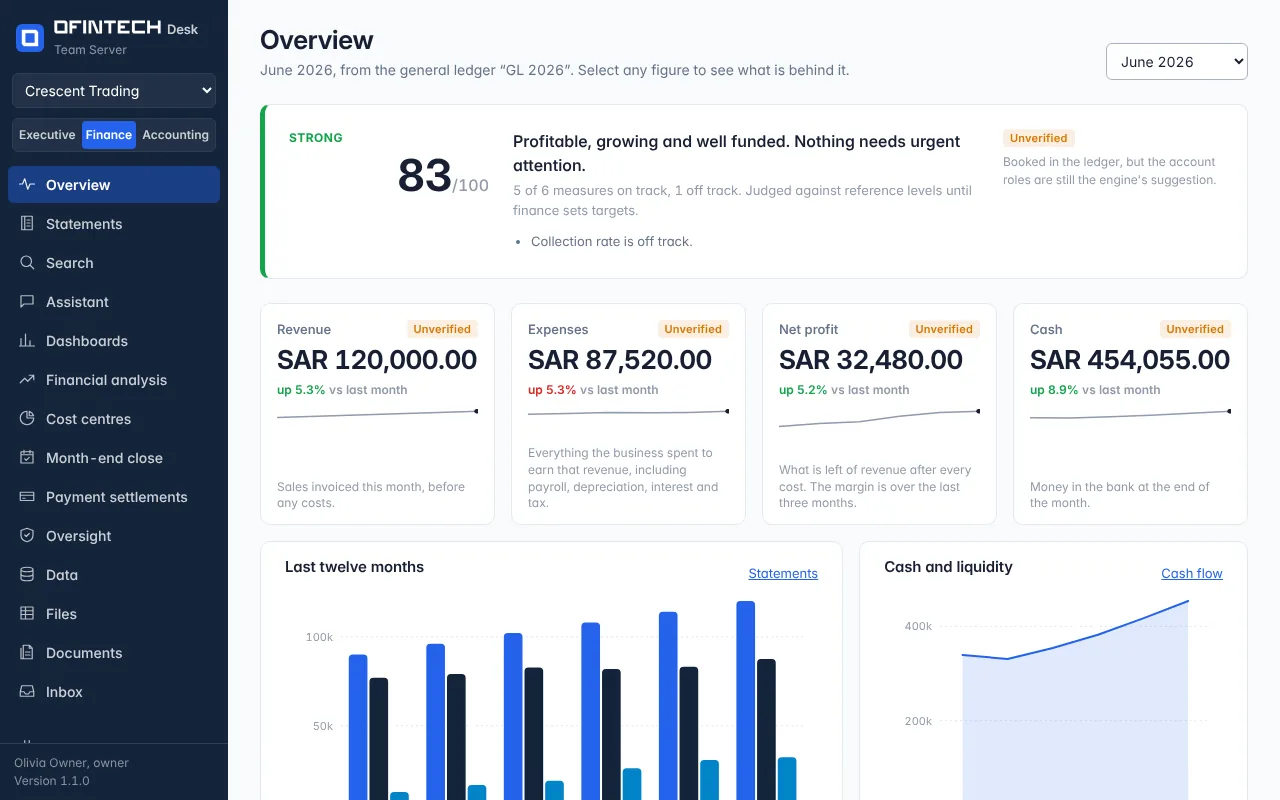
Under General ledger, confirm which account is revenue, cost of sales, bank. Until then the figures say Unverified.
Read the month
The Overview's verdict, then the Statements. Select a figure that surprises you and follow it to its entries.
Prepare the first close
Month-end close → prepare last month. Decide the proposed entries, upload the bank statement, explain the variances. Nothing is posted anywhere.