

This page is also available in Arabic.
What it does
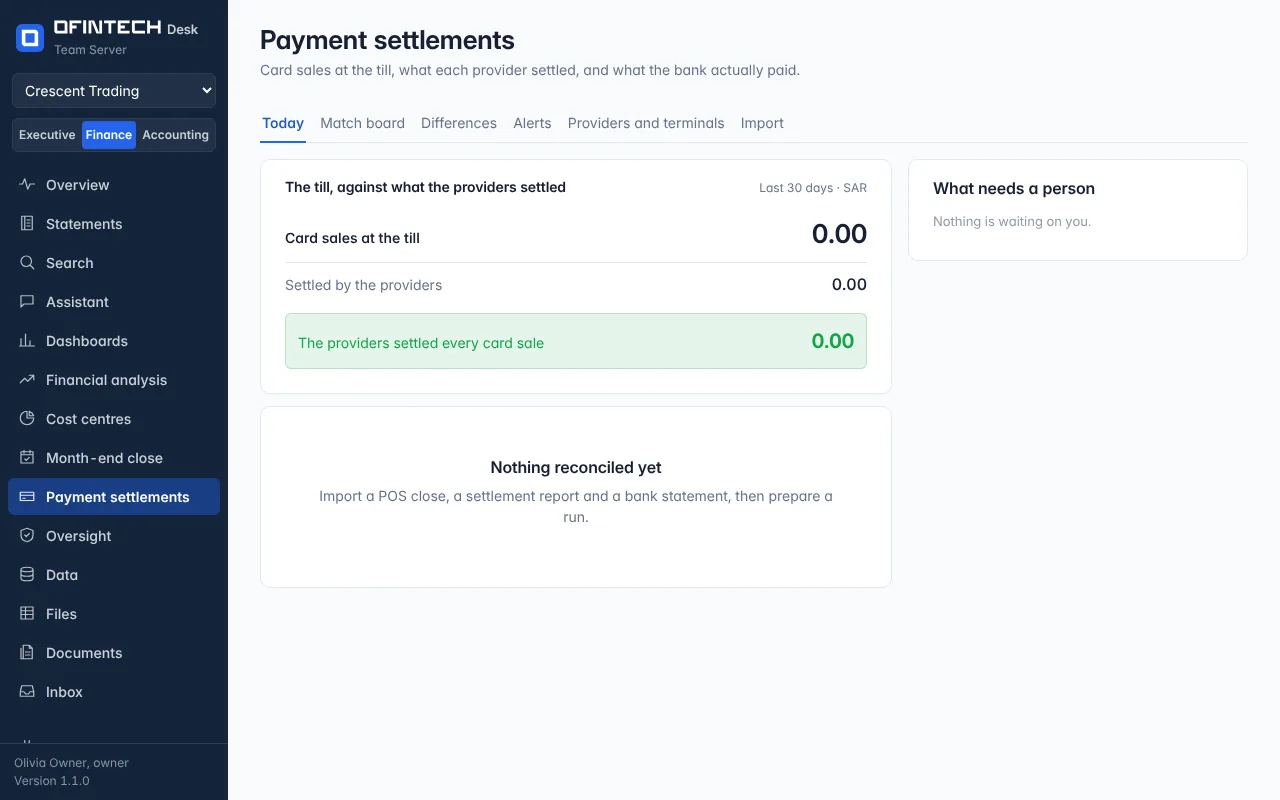
Payment settlements reads the report each payment provider sends, the bank statement and — where there is a till — the till's card sales, and matches them: which settlement or payout the bank paid, with what fee, and which sales it covered. Every match says how it was made (the batch number, the amount exactly, the fee model, a set of lines that add up, one payment split, the wording on the line, or linked by hand) and how sure the engine is, out of 1000.
Why it is there
Card money arrives net of fees, refunds and chargebacks, batched across days and across providers, and the bank line rarely says which. Reconciling it by hand is a month-end job that this page does the same way every time, and shows its working.
When to open it
- Daily or weekly, with the new settlement or payout files
- At month end, for the unsettled and the unexplained
- When a provider's fee looks different from its contract
How it works
It is included in the Pro and Enterprise plans, in any country: the workspace's currency decides how many decimals an amount has, and its country only puts the providers met there first.
Two kinds of provider report are read. A settlement advice from a bank acquirer has one row per batch. A payout report from a payment company — Stripe, Adyen, Shopify Payments, PayPal — has one row per sale, refund and fee, and the page puts those rows together into the payouts the bank receives. A report in a layout it has not met is mapped once, column by column, and remembered. The import page says, for each layout, whether it was read from a real file or written from what the provider publishes about its own report.
Where there is no till, the sales are what the providers processed, and the statement at the top of a run says so.
A scenario
A week's card sales are 212,000; the bank shows four deposits. Three are matched to batches by batch number and amount; the fourth is a split payment the engine joined from two lines and flagged at 640/1000. A person confirms it, and the week is reconciled with the fees per provider on one screen.
Steps
Declare providers and terminals
Each acquirer and each till, so a device is never unmapped. A payout report from Stripe, Adyen, Shopify Payments or PayPal adds its own provider when it is imported.
Import the files
The provider's report and the bank statement, and the till's daily close where there is one. Each is shown as it was read before anything is stored.
Prepare a run and review it
Choose the dates. Review the matches the engine is less sure of, and the differences it could not name.
Questions
Why does the page say it is not available?
The reconciliation is included in Pro and Enterprise, and the page says so when the workspace's plan does not include it. The country is not a condition.
Which providers' reports does it read by itself?
Settlement advices in the layouts of the acquirers and gateways it lists, and the payout reports of Stripe, Adyen, Shopify Payments and PayPal. Any other report is mapped once and remembered.
Does it handle more than one currency?
A workspace keeps its books in one currency. Rows of a payout report in another are left out and counted on the import page, so you can see how much was not read.