

This page is also available in Arabic.
What it does
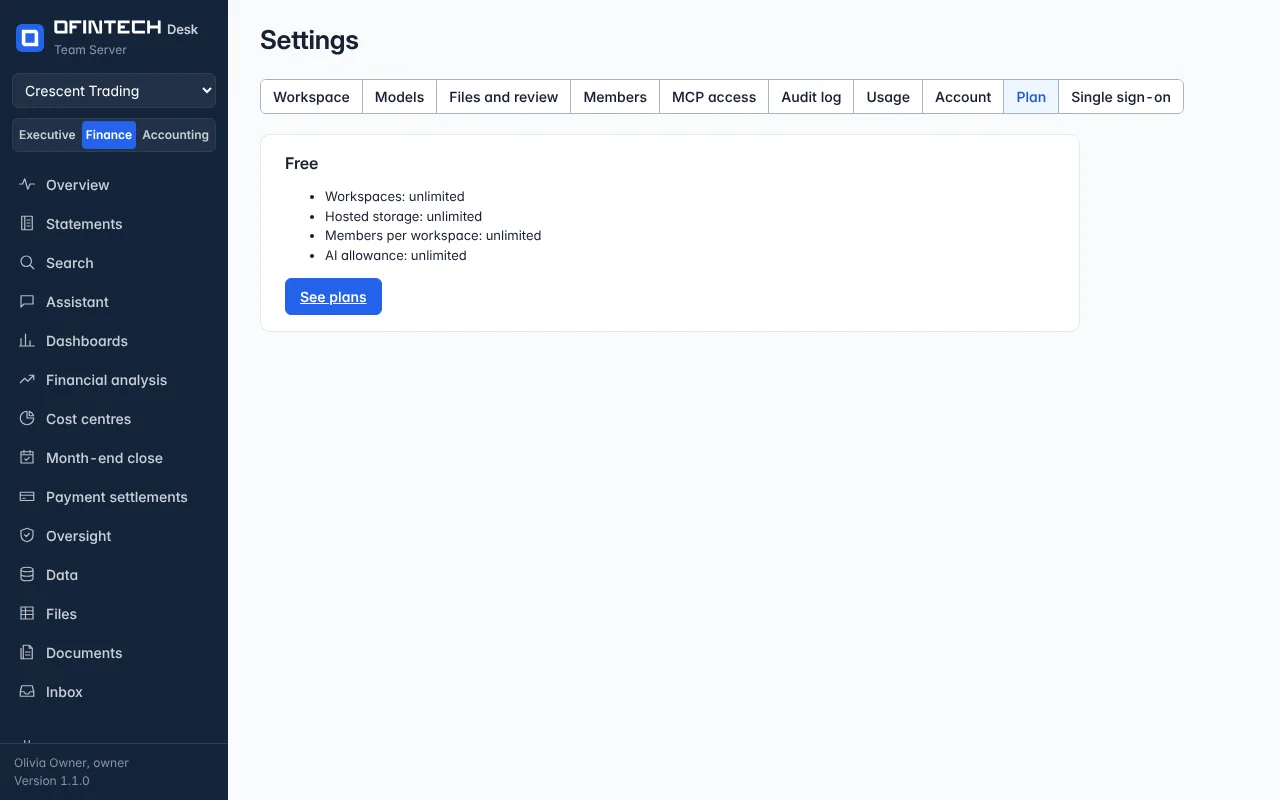
The Plan tab under Settings shows the plan the workspace is on — Free, Pro or Enterprise — what each includes, the limits (hosted workspaces, members, storage), and the payment history. Beside each payment is the tax invoice issued for it, as a document you can open and print to PDF.
Why it is there
Finance teams need the invoice, not the receipt. Each payment has one, issued by the OfinTech entity that serves your country, numbered in sequence, with the seller's details frozen as they were on the day.
When to open it
- To upgrade, or to see what the next plan adds
- At month end, for the invoices
- When a card is about to expire
How it works
Payment is by card through Stripe for most countries. The invoice is issued when the payment is confirmed and keeps its number for good; a voided invoice stays in the list, marked void, and its number is never reused.
A scenario
The accountant needs March's invoice for the books. Settings → Plan → the March payment → Tax invoice opens the document; the browser prints it to PDF.
Steps
Open Settings → Plan
The plan, its limits and the payments.
Open a tax invoice
Beside the payment; print it to PDF from the browser.