

This page is also available in Arabic.
What it does
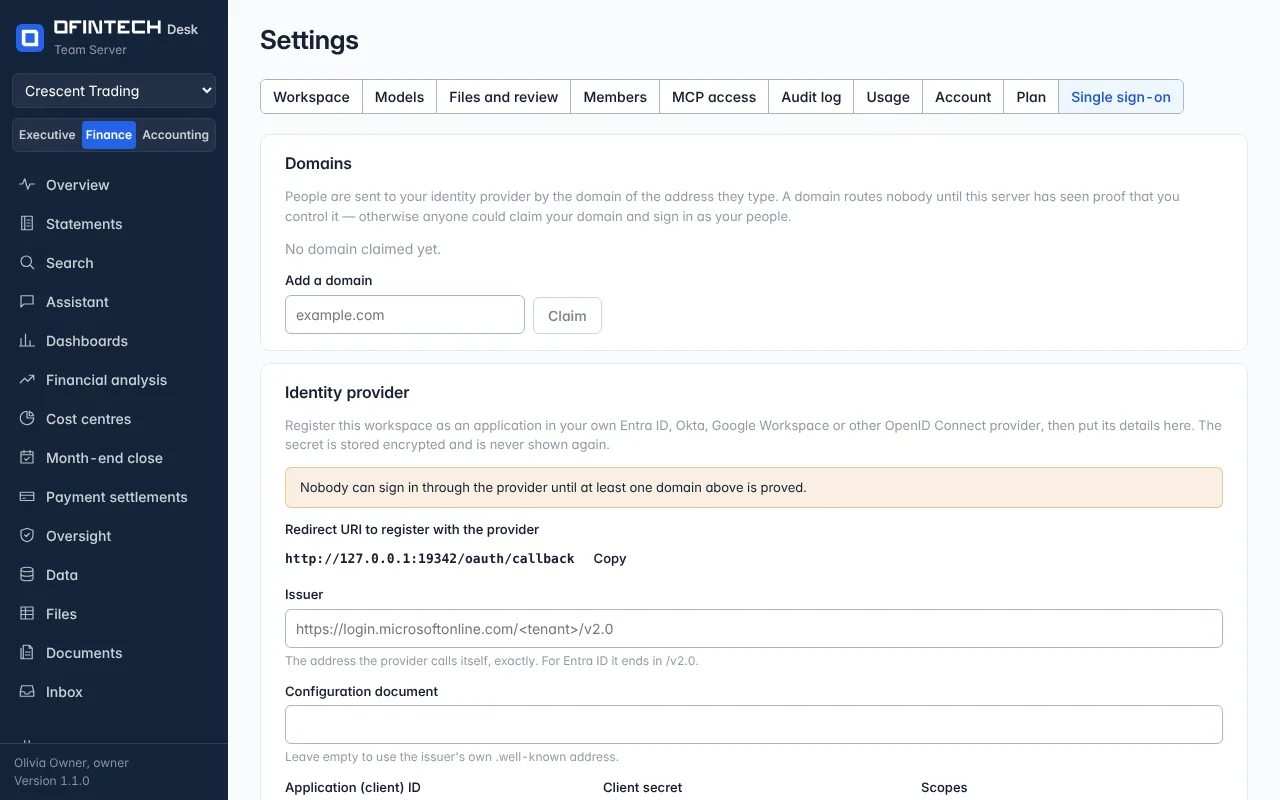
The Single sign-on tab lets a workspace administrator connect the organization's identity provider, so members sign in with the accounts they already have and leave when those accounts are closed. It is part of the Enterprise plan.
Why it is there
Password resets and departed employees are the two ways access goes wrong. Single sign-on moves both to the system that already handles them.
When to open it
- When the organization adopts Desk on the Enterprise plan
- When the identity provider's certificate or metadata changes
How it works
The page asks for what the provider gives — its metadata or its endpoints and certificate — and shows what to give the provider in return. Once on, members of the organization's domain sign in through the provider; the platform owner's own sign-in is unaffected.
A scenario
An organization of forty members switches on single sign-on on Friday. On Monday nobody notices, which is the point: the same badge, the same sign-in, and one fewer password.
Steps
Open Settings → Single sign-on
Available on the Enterprise plan.
Exchange the details
Paste the provider's metadata; give the provider what the page shows.