

This page is also available in Arabic.
What it does
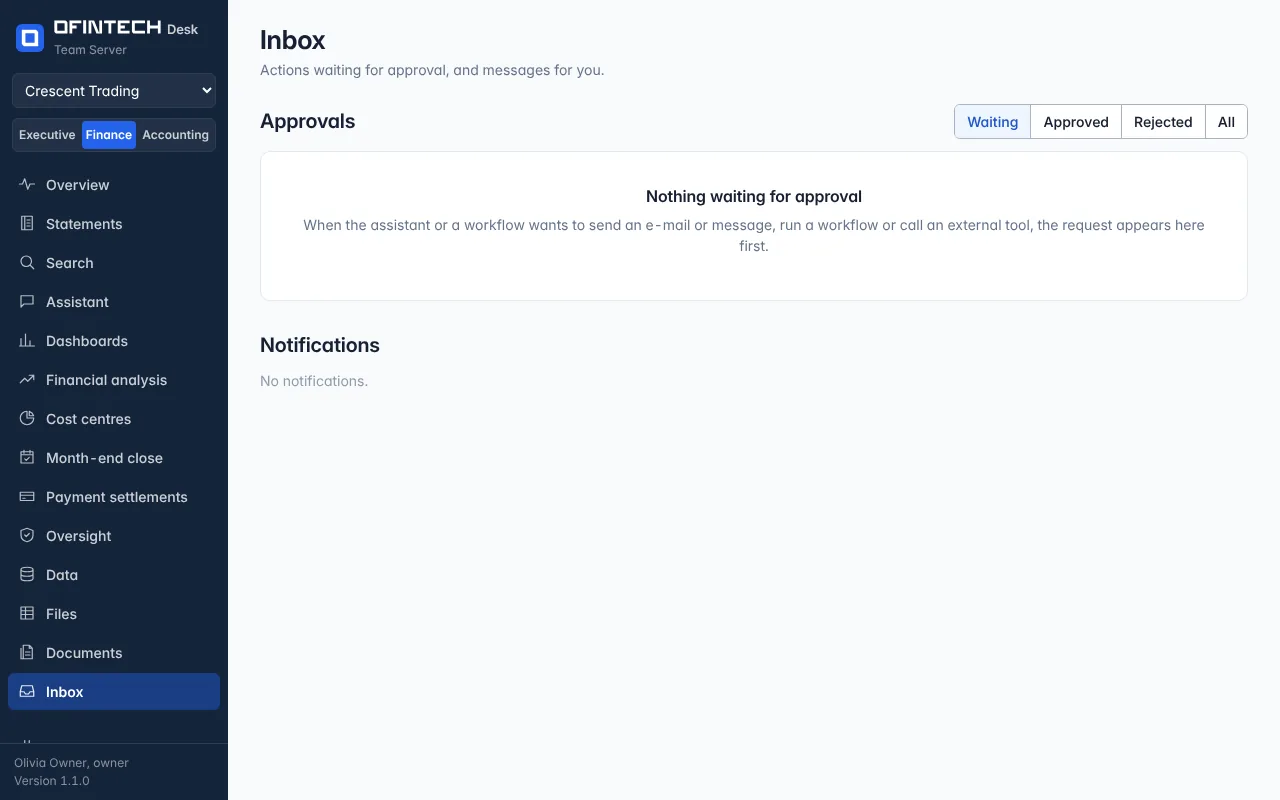
The Inbox holds two things: approvals and notifications. An approval is a request from the assistant or a workflow to do something that leaves the workspace or changes it — send an e-mail or a message, run a workflow, call an external tool. It waits here, with what it will do and what it was asked to check, until a person decides. Notifications are messages for you: a close prepared, a sync finished, a run failed.
Why it is there
The rule of the product is that nothing is sent or changed without a person. The Inbox is where that person is.
When to open it
- Whenever the badge shows a number
- After switching on a workflow, to see its first requests
- To read what the assistant did overnight
How it works
Each approval opens the conversation or the workflow run it came from. Approve, and the step continues; reject, and the run records it. Approvals always happen in the app, even when the request came from Telegram or WhatsApp.
A scenario
The close workflow wants to e-mail the pack to the CFO. The request shows the recipient, the subject and the attachment. The controller opens the pack, finds a variance not yet explained, rejects the request, explains the variance, and approves the next one.
Steps
Open the request
What it will do, and what you were asked to check.
Decide
Approve or reject; the run records the decision.