

This page is also available in Arabic.
What it does
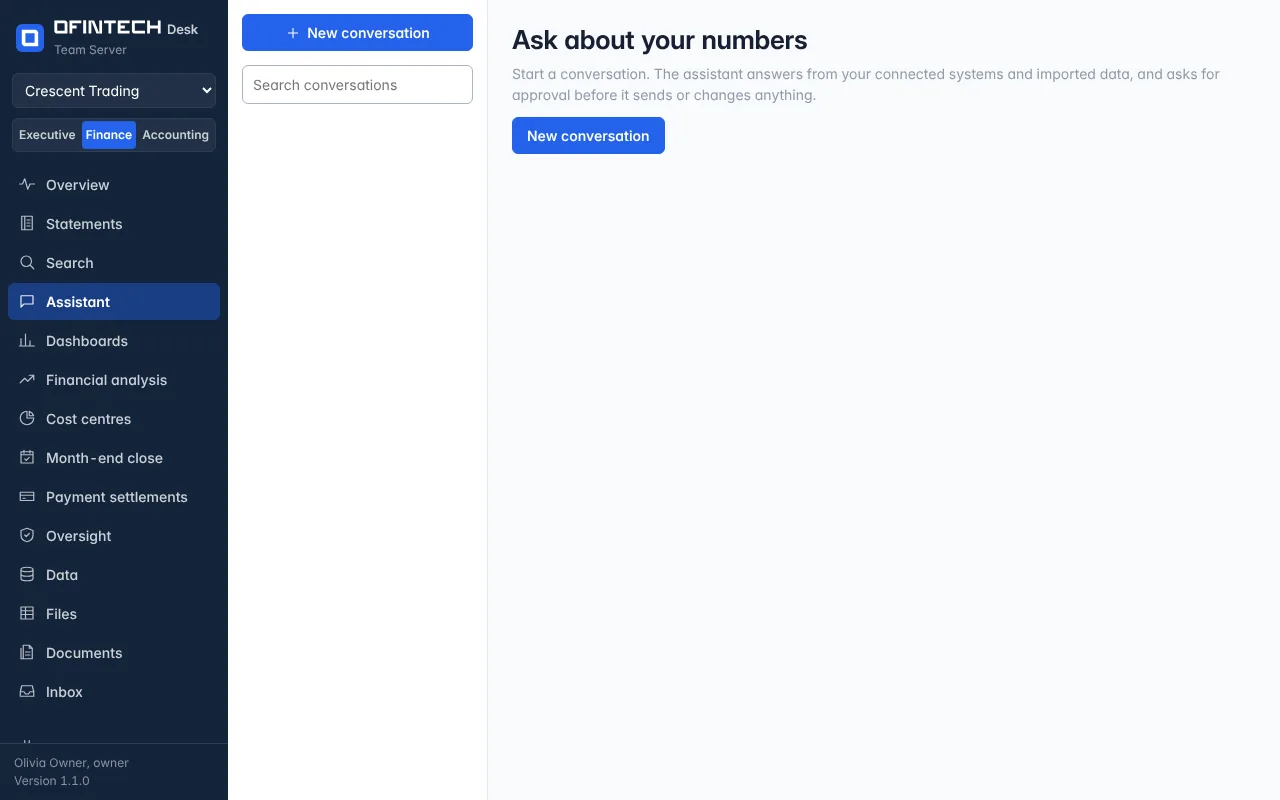
The Assistant is a conversation over the workspace: ask about cash, receivables, a report, a variance, or attach a file (PDF, Word, Excel, CSV, text, e-mail, scans and images) and ask about that. It reads the connected systems and the imported data, builds workbooks and reports under Files, and when a step would send or change something — an e-mail, a journal, a workflow — it stops and asks in the Inbox first.
Why it is there
A finance team's questions are specific and the data is already here. The assistant turns a question into the queries, the reading and the arithmetic, and shows which it used.
When to open it
- For a question the pages do not answer directly
- To build a workbook or write commentary from the figures
- With a file nobody has time to read
How it works
Each conversation names its model and the skills it may use; the default is set under Settings → Models, and you can bring your own key for any provider or run a model on your own network. Something you tell it that lasts — a threshold, a mapping, a deadline — it offers to save to Memory, and you decide. Conversations stay in the workspace and can be searched.
A scenario
Build a Q1 actual vs budget workbook from the P&L. The assistant reads the ledger and the budget, writes the workbook under Files with every figure traced to its source, and asks nothing — nothing was sent or changed. E-mail it to the CFO is a different matter: that request waits in the Inbox for approval.
Steps
Start a conversation
Ask about cash, receivables, a report, a variance — or attach a file.
Read what it used
Each answer shows the queries and the passages behind it.
Approve what leaves
Anything sent or changed waits in the Inbox for a person.
Questions
Which model answers?
The workspace's default under Settings → Models, or the one chosen for the conversation. Bring your own key, or run a model locally with Ollama or LM Studio.
Can it change my books?
No. It reads them. Anything that would send or change something waits for approval, and payments are never made.