

This page is also available in Arabic.
What it does
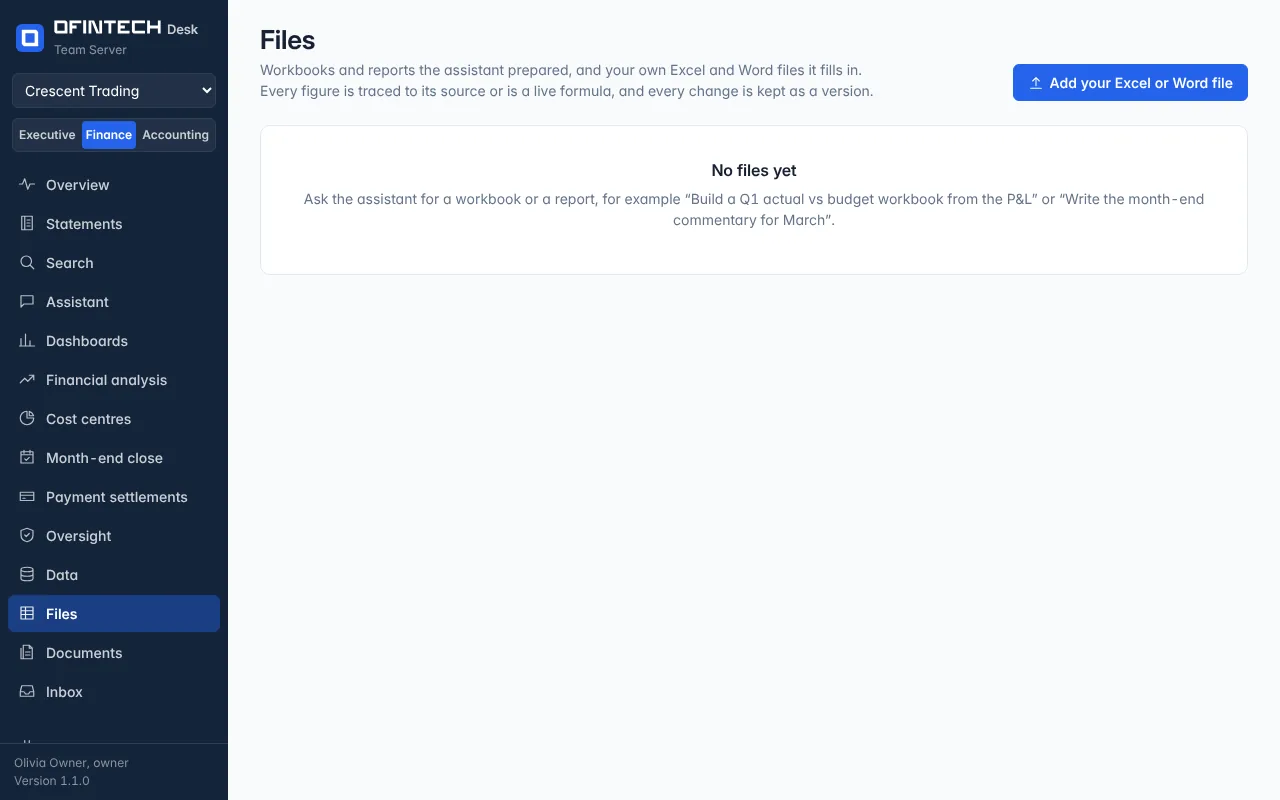
Files keeps what the assistant wrote — a workbook in Excel, a report in Word and Excel — and your own templates it fills in: last month's pack, a board report. Open a file and every figure says what it is: an input traced to a source, a live formula, or a figure with no source. Select any figure to see its proof.
Why it is there
A spreadsheet from an assistant is only useful if a reviewer can trust it. Here the review is built in: the figures are classified, the queries can be run again, and each run is a new version with the old one kept.
When to open it
- After asking for a workbook or a report
- To refresh last month's file with this month's data
- When a reviewer marks a figure as checked or edited
How it works
Refresh data runs the queries again and saves a new version. Review walks the figures; a figure checked as edited is recorded as such. Your own Excel or Word file can be added so the assistant fills it in rather than starting a new one.
A scenario
The month-end commentary for March was written by the assistant. In April, refresh data produces the April version from the same queries; the reviewer changes two sentences, the file records the edit, and both versions remain.
Steps
Ask for a file
“Build a Q1 actual vs budget workbook from the P&L.”
Open and review
Each figure is an input with a source, a formula, or marked as having none.
Refresh next month
The same queries, the new data, a new version.