

This page is also available in Arabic.
What it does
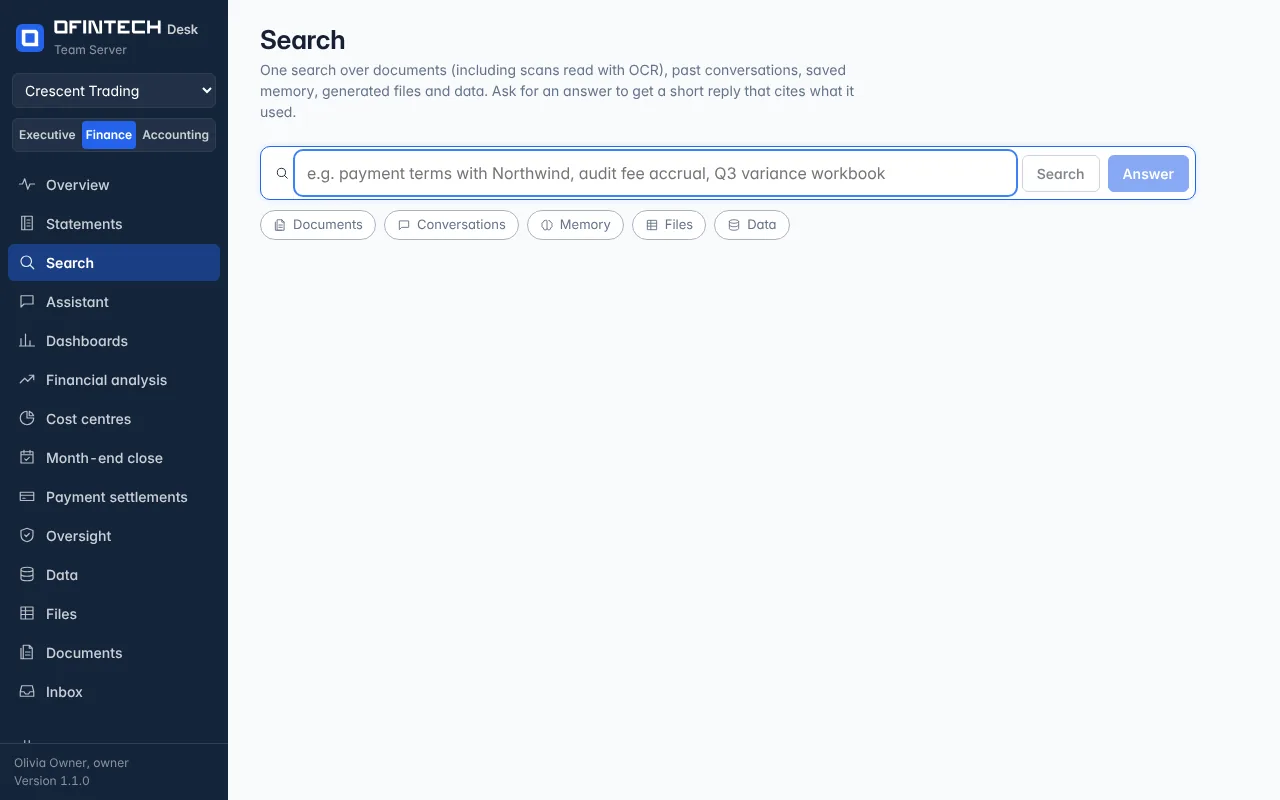
Search looks across everything the workspace holds — documents and their scanned pages, past conversations, saved memory, files the assistant prepared, datasets — and lists the best matches. Ask for an answer turns the same search into a short reply that cites the passages it used.
Why it is there
The answer to what were the payment terms with Northwind is in a contract, a conversation from March and a memory someone saved. One search reads all three.
When to open it
- Before asking the assistant something that was probably settled before
- When a reviewer needs the source of a figure or a policy line
- To find the workbook from last quarter without remembering its name
How it works
Keyword search always works and runs on this server. With an embedding model configured under Documents, passages that use different words are found too. Results open to the document and page, the conversation, or the file.
A scenario
Audit fee accrual finds the March close conversation where the amount was decided, the auditor's engagement letter under Documents, and the memory accruals are posted by working day 3. The answer cites all three.
Steps
Type what you remember
A party, an amount, a phrase from a policy.
Open a match or ask for an answer
The answer cites the passages it read.